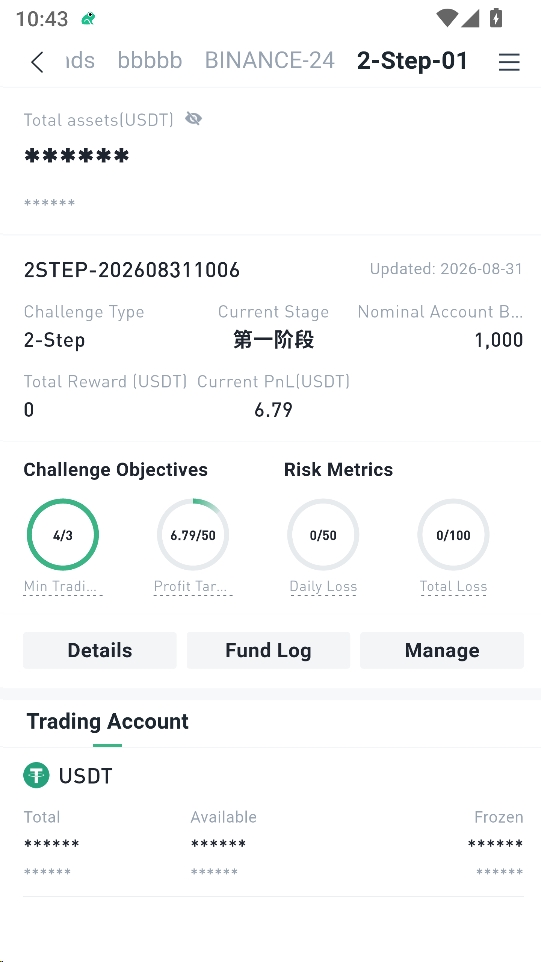
Prop Trading Guide
This guide walks you through the BitFrog Prop Trading process in the app — from purchasing and paying for a challenge, to entering the trading page, and checking your account stage and evaluation progress under My.
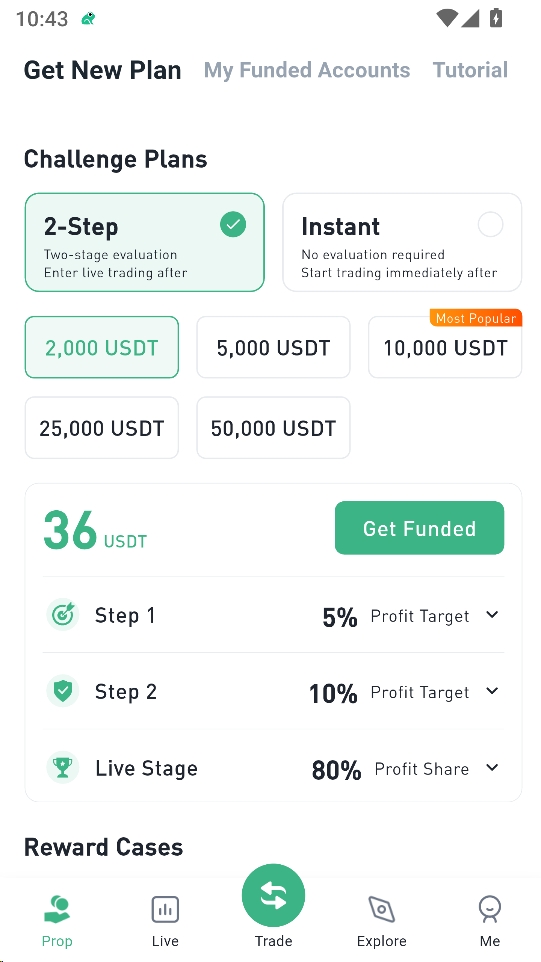
Step 1: Prop Trading · Purchase
- Open the app and tap Prop Trading at the bottom.
- Select 2-Step or Instant, then choose an account size.
- Tap Start Challenge.
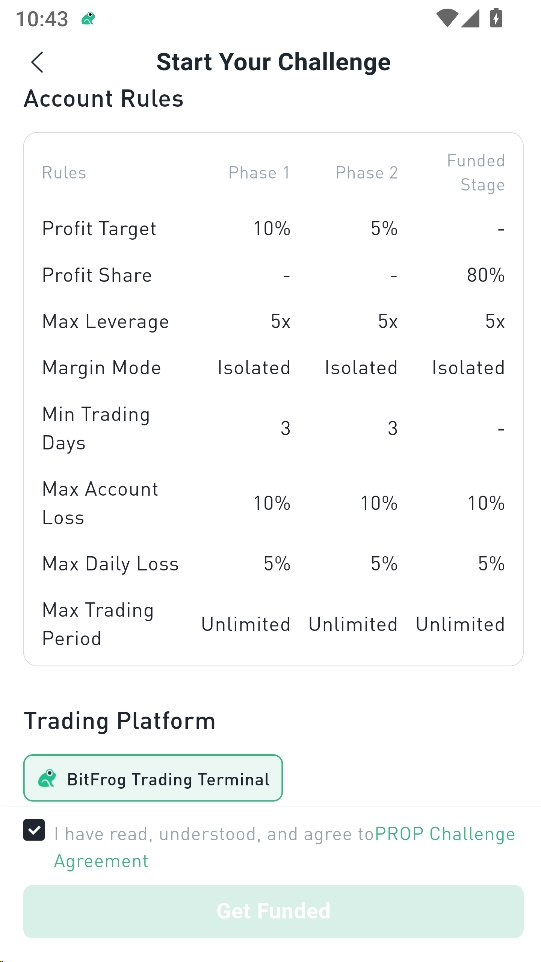
Step 2: Payment
- Review the challenge rules, trading platform (BitFrog Trading Terminal), and payment amount.
- Check the box to agree to the PROP Challenge Agreement, then tap Purchase.
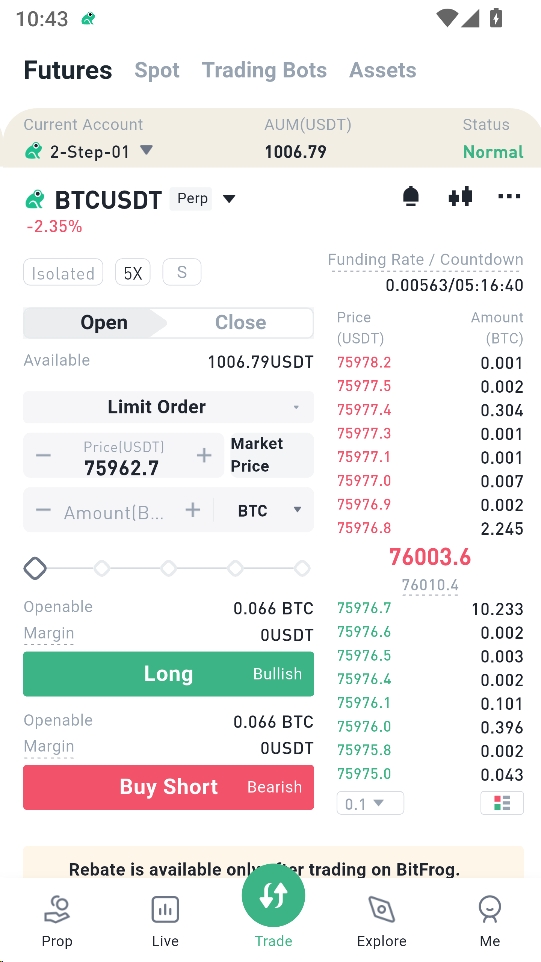
Step 3: Trading Page
Tap Trade at the bottom, then switch to your 2-Step or Instant account.
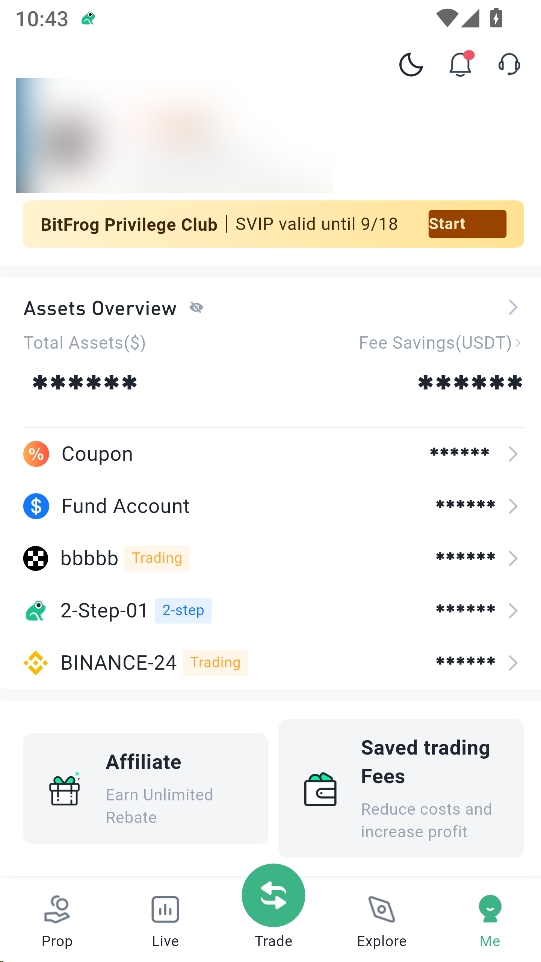
Step 4: Me → 2-Step or Instant Account → Manage
Tap Me at the bottom, find your 2-Step or Instant account in the account list, then tap to open it.
Step 5: Account · Evaluation Account & Stages
Open the account details to view the challenge type, current stage, profit target, risk management progress, and the Details / Finance / Manage tabs.